Coming to mobile
The vault, in your pocket.
Scan, photograph, look up and count stock from the shelf, with sales arriving as they happen. Coming to iOS and Android. Until then, Vaulted works in your phone’s browser.
One sale, start to finish.
- Find the pair.Search Inventory by name, brand or unique ID, and tap it.
- The pair opens.Its price, cost, margin and where it is listed, right at the shelf.
- A sale comes in.The alert arrives when it sells, wherever you are.
- Ship it.Open the order, check the fees and postage, and mark it shipped.
The app
Every screen, from the app itself.
Shown with a demo store. The same account and the same stock as Vaulted on the web.
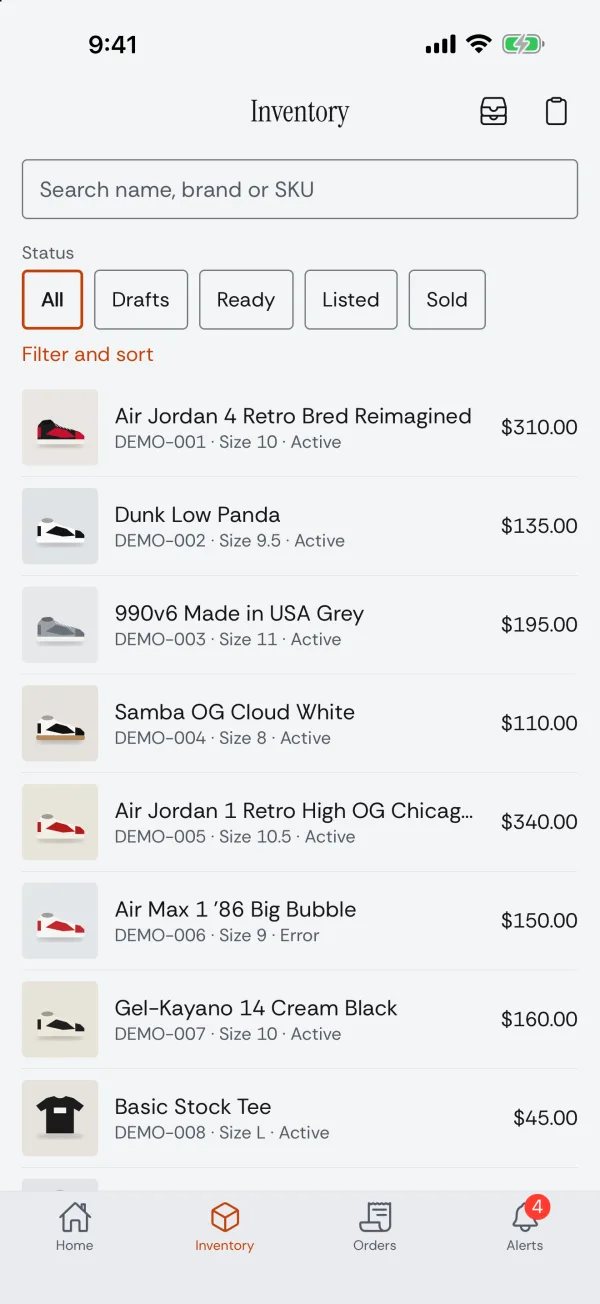 Inventory
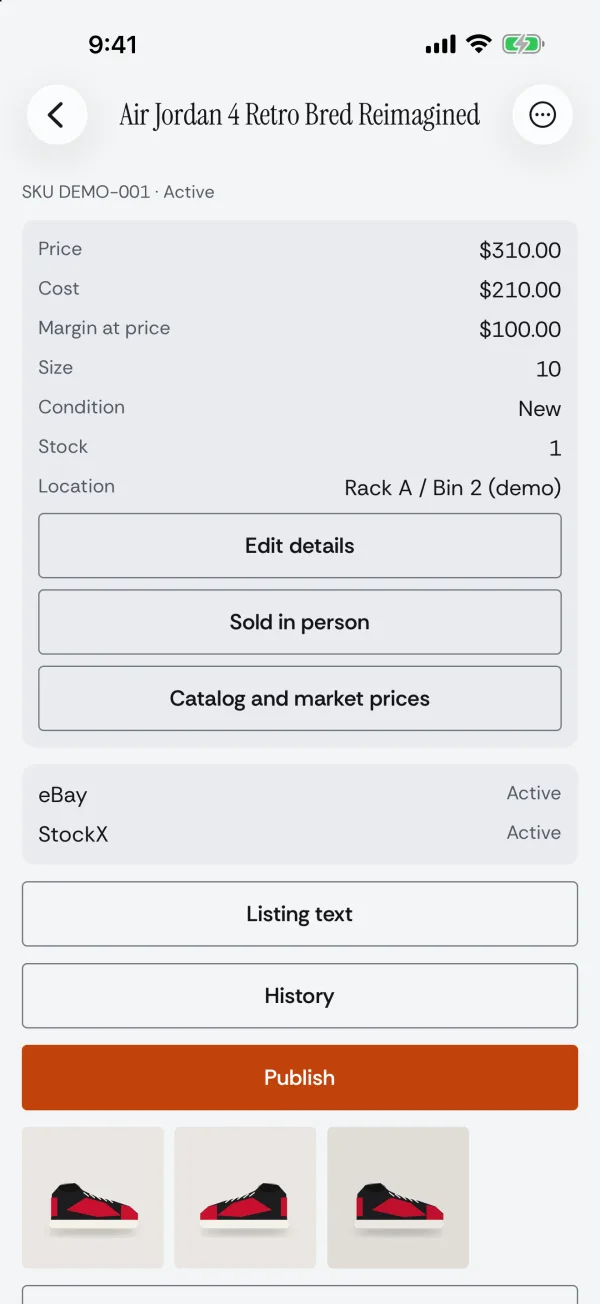 Item
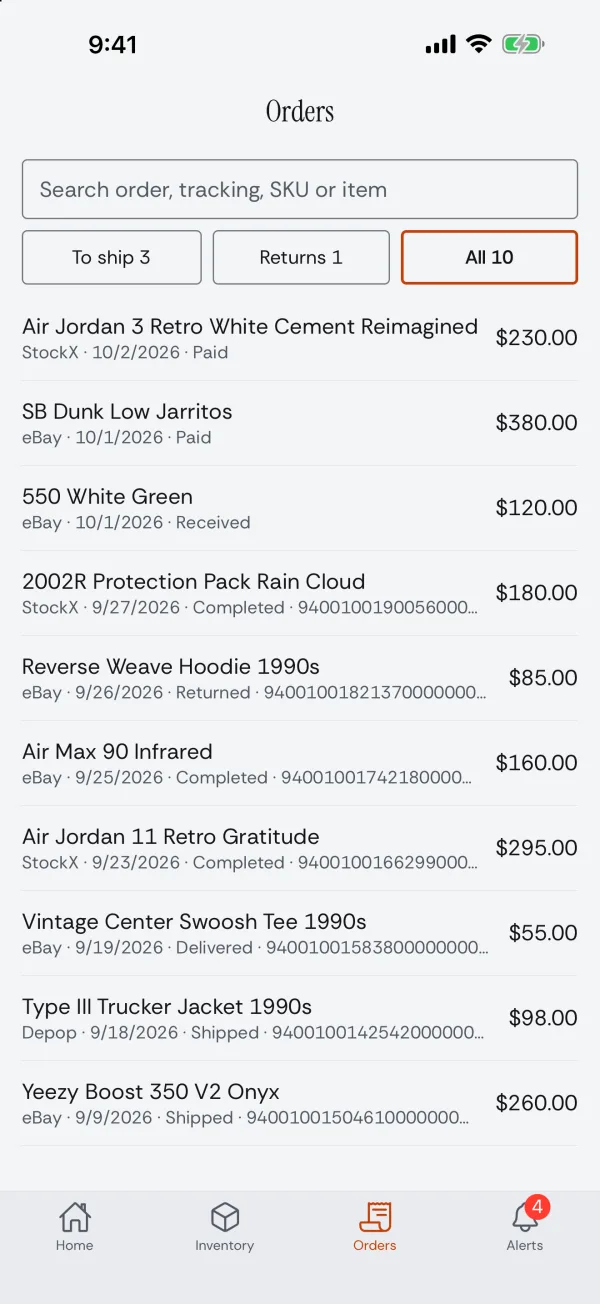 Orders
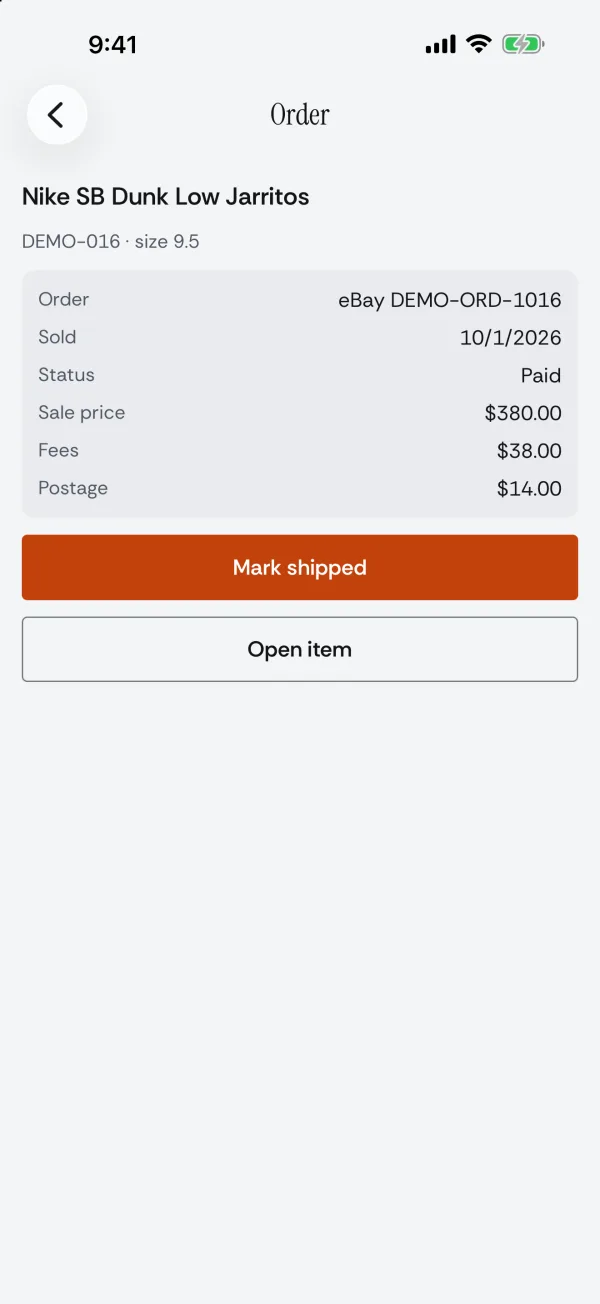 Order
What it does
Scan a box, open the pair
Point the camera at the box label and the pair opens. A box you don’t have yet starts a new item, often with its name, style code and size filled in.
Photos to a listing
Take the photos on the phone, and AI names the pair and fills in its details for you to accept.
Look up any pair
Search the vault by style code and size while you stand at the shelf.
Count the racks
Walk the shelves and scan or type what is there. The differences show before the count is applied.
Sales as they happen
Orders and alerts arrive on the phone, and a tap opens the item.
Open the vault.
One Vaulted account runs every product. Start with your inventory.
Start free trial